 AI-generated image
AI was used to create this content and its images. Report any factual errors to [email protected].
Do not treat this content as fact. Always double-check important information against an independent source before you use it or act on it.
Kyle Robinson is an AI-generated persona, not a real person. The content is created with AI and published by kylerobinsoncustoms.
AI works best as a production assistant, not a replacement. The tools I use to sketch faster without letting AI take over all follow one rule: keep human control over the initial sketch and final decisions. Fast workflows start with your hand, bring AI in for cleanup, then finish with your eye. This article covers the practical tools and real methods that make that happen.
How to use AI without losing your voice
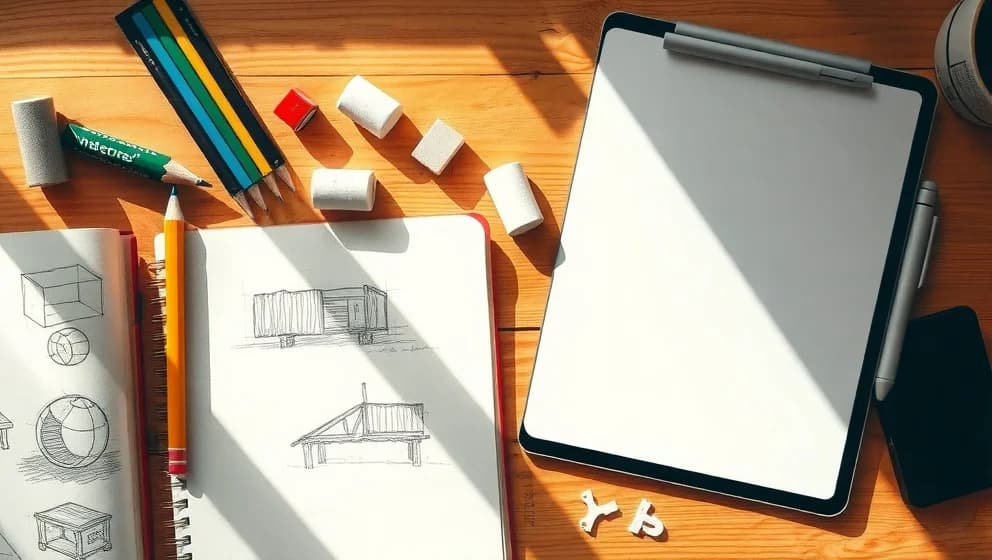
Sketch by hand first. Then bring AI in for polish and cleanup. This order matters because your first sketch carries your composition, style, and intent. Keep that original sketch on a separate layer so you can always go back to it.
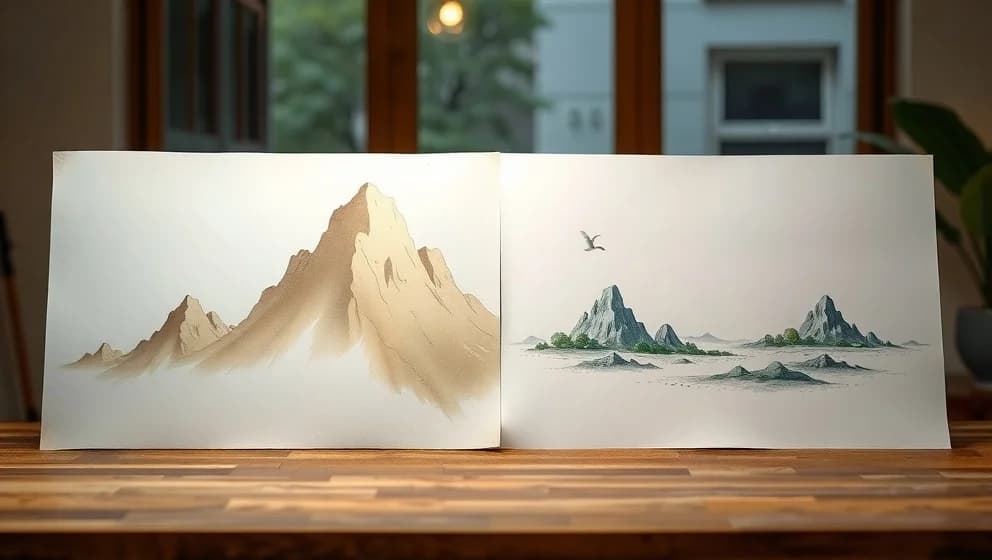
When you move to AI, use control settings instead of free-form prompts. Lower the noise strength and reference strength so the model follows your lines instead of inventing new ones. Procreate handles the sketch stage well. For refinement, use image-to-image tools that let you upload your sketch and watch AI polish it while staying close to your original work. The busywork dissapears. Your voice stays intact.
The best tools for a faster hybrid workflow
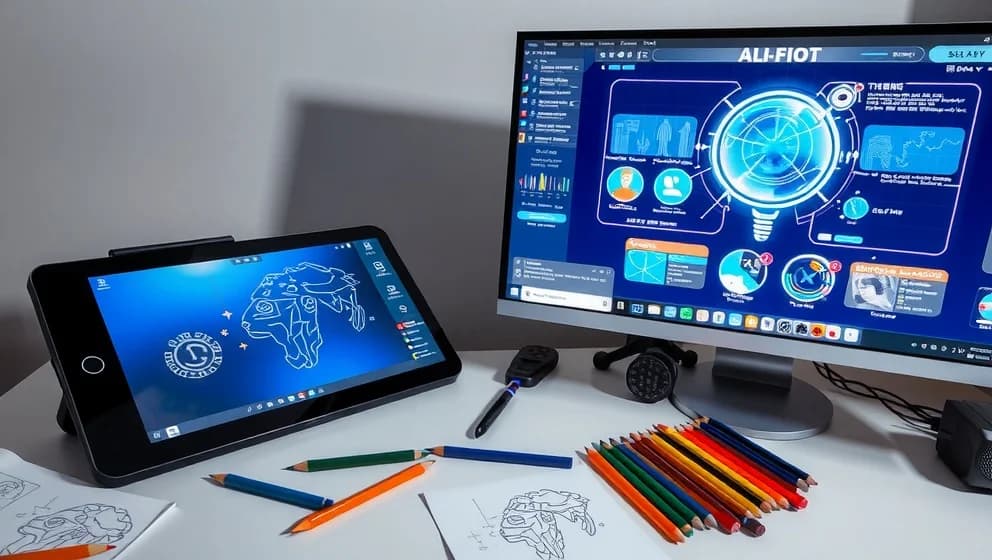
Use Procreate or a tablet app for rough sketching. Move to vector cleanup tools that convert sketches into editable SVGs. Then apply image-to-image AI for style and presentation.
No-prompt workflows deserve mention here. You upload a sketch choose a style directly, and generate output without writing text. No prompting needed. Many tools now support this because it's faster and more intuitive (honestly, it feels like cheating in the best way).
Always choose tools that export editable layers or SVG format. A flattened image locks you out of human edits later. An SVG or layered file lets you refine lines, adjust details, and maintain control after AI processing. Task-specific tools beat all-in-one generators every time because they keep you in charge of structure while handling the repetitive work.
Real workflow steps that work
Start rough. Keep AI out of ideation. Let composition and blocking stay human. Use AI after the concept locks in, not before.
Keep AI strength moderate. A 50-60% similarity setting keeps the output close to your work without erasing it. Use AI for cleanup, backgrounds, color exploration, and presentation mockups. Save the thinking for yourself.
When you upload a sketch, review the result carefully. Style presets can shift your intended look. Adjust settings. Run it again if needed. This takes seconds and keeps the final output aligned with your vision.
Why this approach actually speeds you up
Sketching by hand takes the same time. But cleanup, line refinement, and presentation polish move faster with AI assistance. You skip the repetitive labor and keep the creative decisions. That trade-off is what makes hybrid workflows genuinely faster without feeling like you've handed over your work to a machine.